Copilot Superpowers

for Executive Assistants

Learn how to use Microsoft 365 Copilot to save time, write better content, and manage your executive’s workload more efficiently.
This course walks through practical ways Executive Assistants can use Copilot
across Outlook, Word, Teams, PowerPoint and Excel.

#copilottraining | #microsoft365

Course Format
6 Short Modules
Six focused lessons designed to quickly introduce you to Copilot across the key Microsoft 365 tools used by
Executive Assistants
Guided Learning Content
Each module includes clear explanations, examples, and practice prompts to help you understand how Copilot can support your daily tasks.
Real EA Scenarios
Explore practical Executive Assistant situations where Copilot can help streamline communication, organisation, and document creation.

Course Modules

Learn how to create amazing products.

Module 1

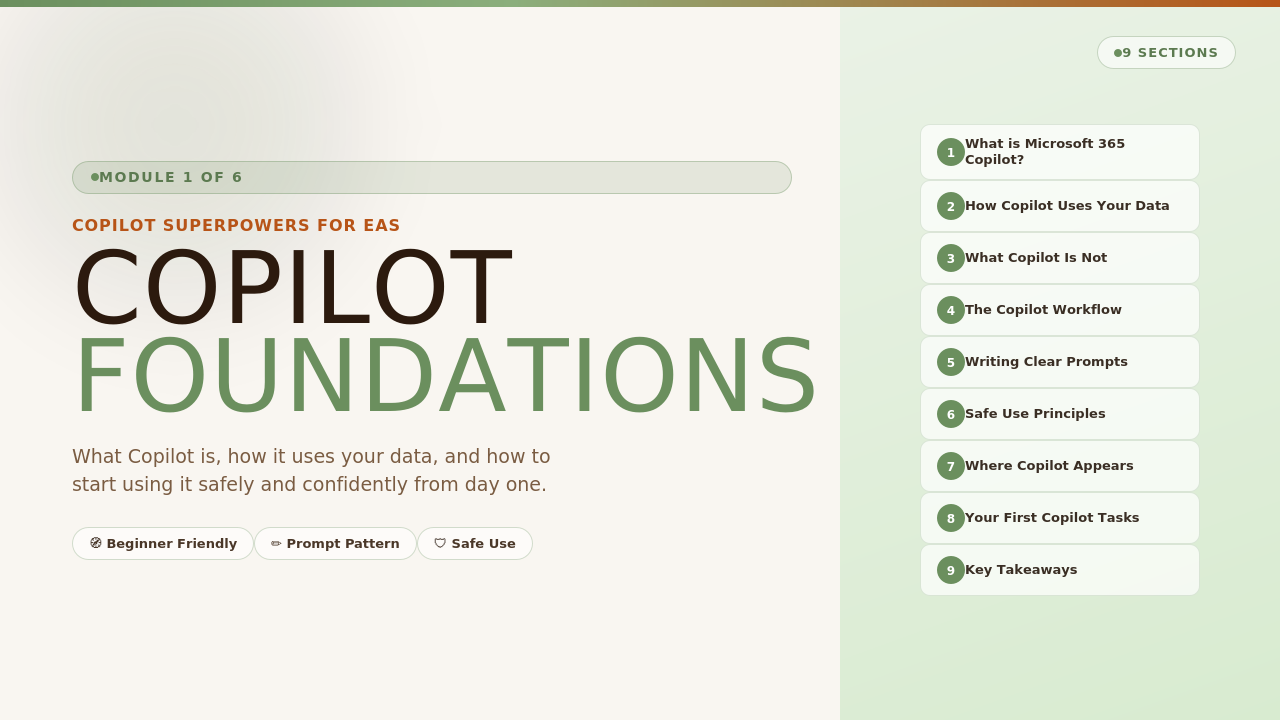
Copilot Foundations

Start here to understand what Copilot is and how it works within Microsoft 365.
You will learn:

• What Copilot does and how it works
• How Copilot uses organisational data
• How to write effective prompts

Module 2

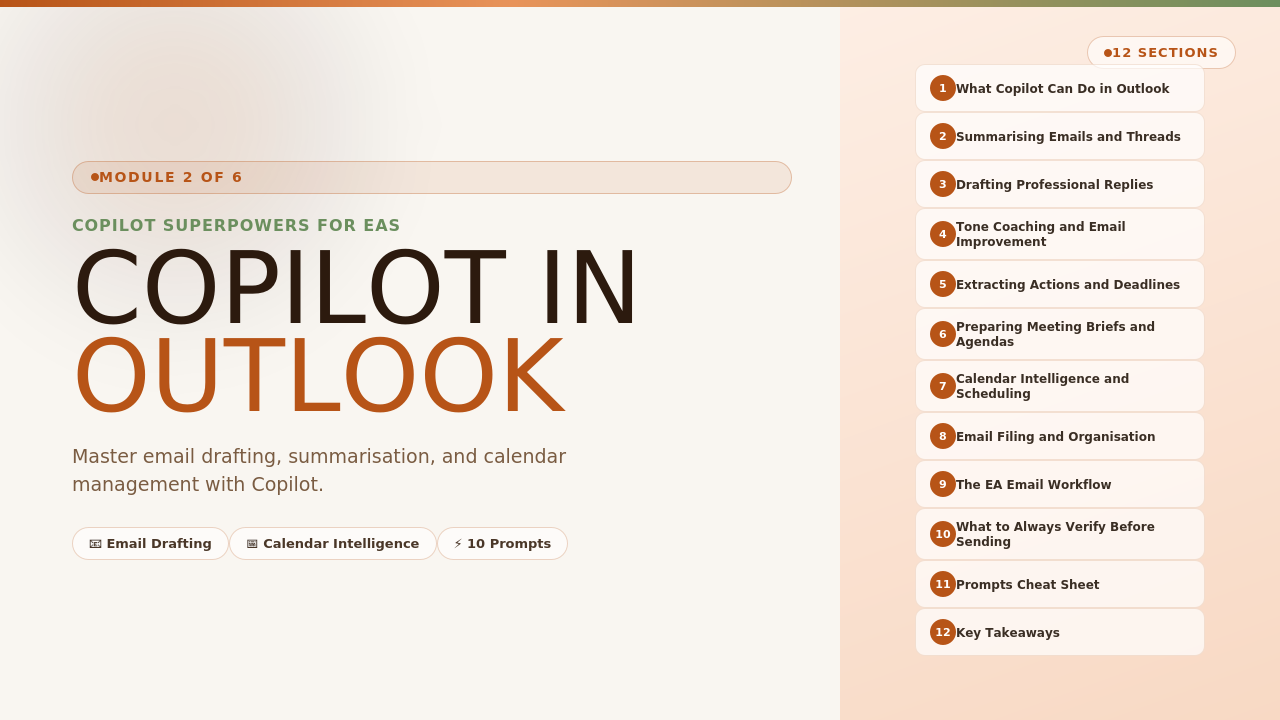
Copilot in Outlook

Learn how Copilot can help you manage email faster and more effectively.
You will learn:

• Drafting professional email responses
• Summarising long email threads
• Adjusting tone and message length

Module 3

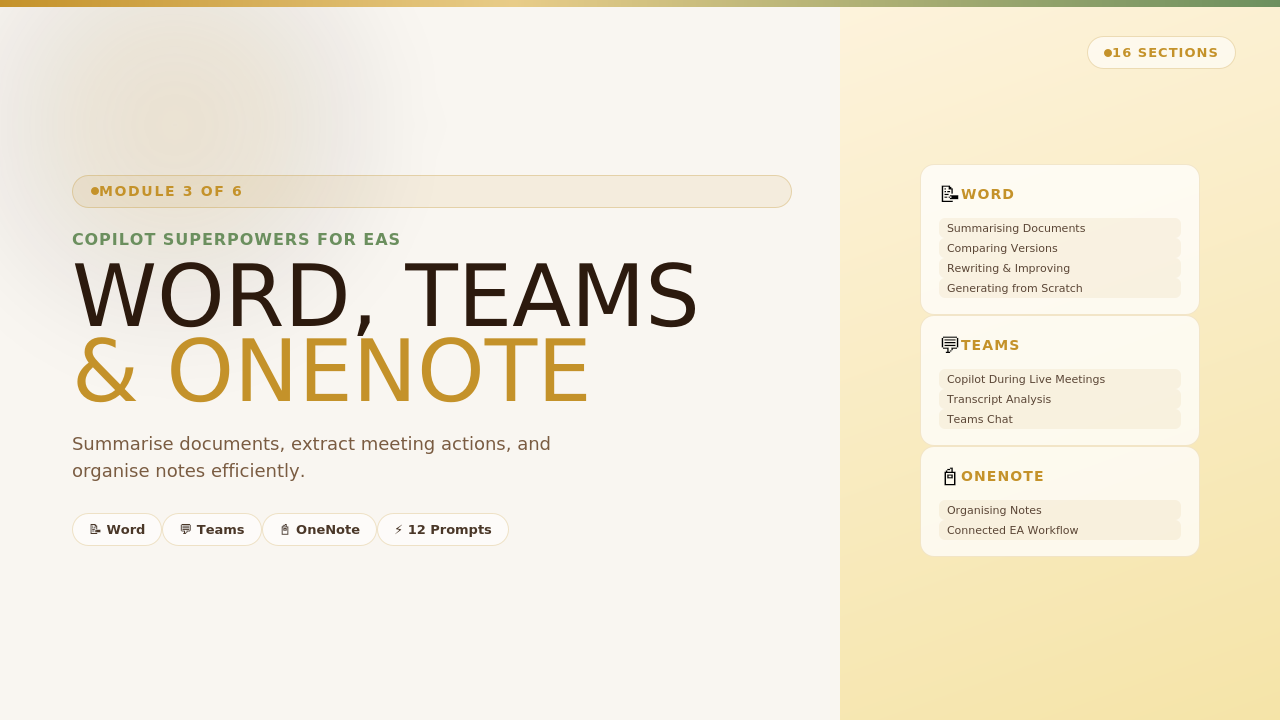
Copilot in Word, Teams & OneNote
Use Copilot to capture information and create documents quickly.
You will learn:

• Capturing meeting notes in Teams
• Drafting reports and agendas in Word
• Organising notes with OneNote

Module 4

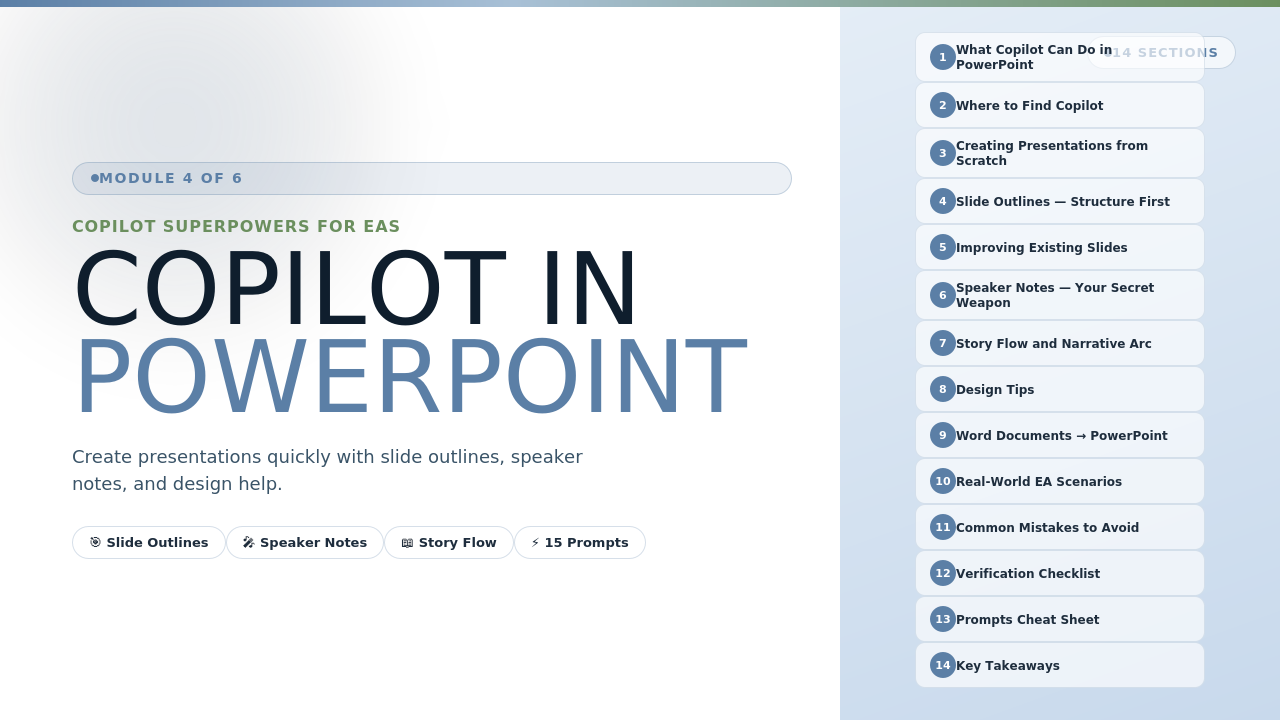
Copilot in PowerPoint
Create presentations quickly using Copilot.
You will learn:

• Generating presentations from prompts
• Improving and refining slides
• Summarising content into slides

Module 5

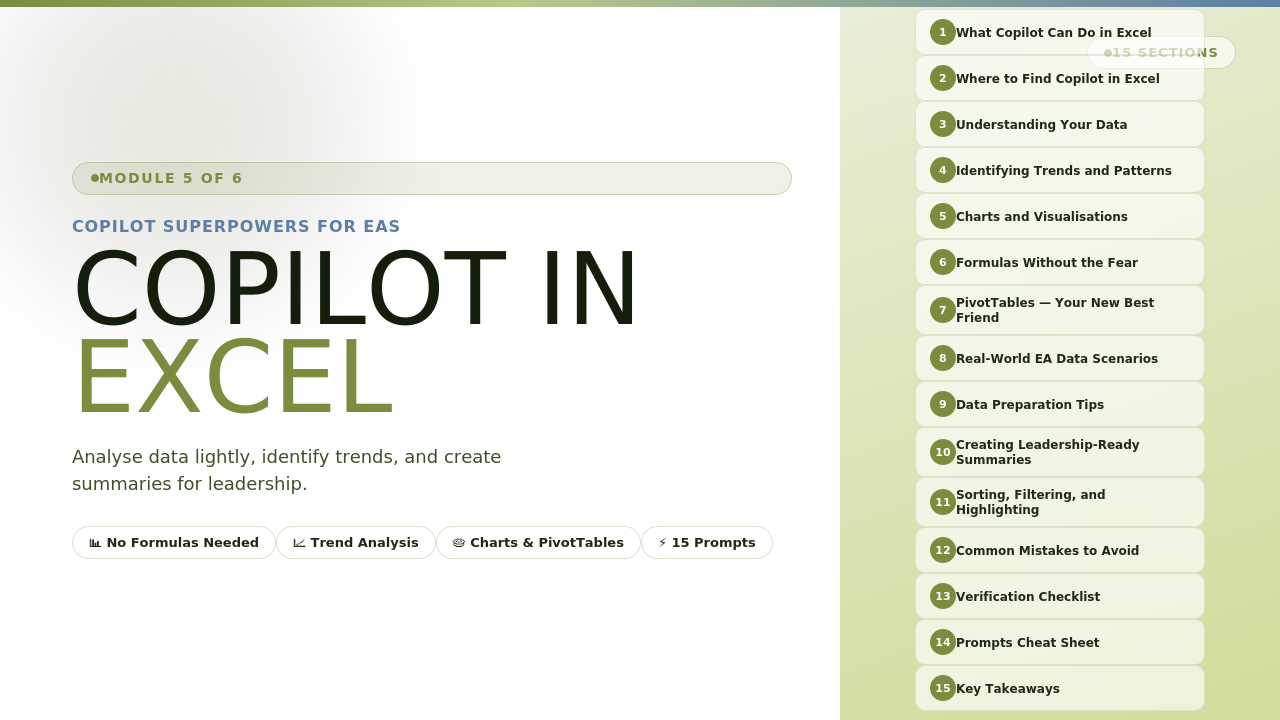
Copilot in Excel

Use Copilot to analyse spreadsheet data.
You will learn:

• Asking questions about your data
• Identifying trends and insights
• Creating charts and summaries

Module 6

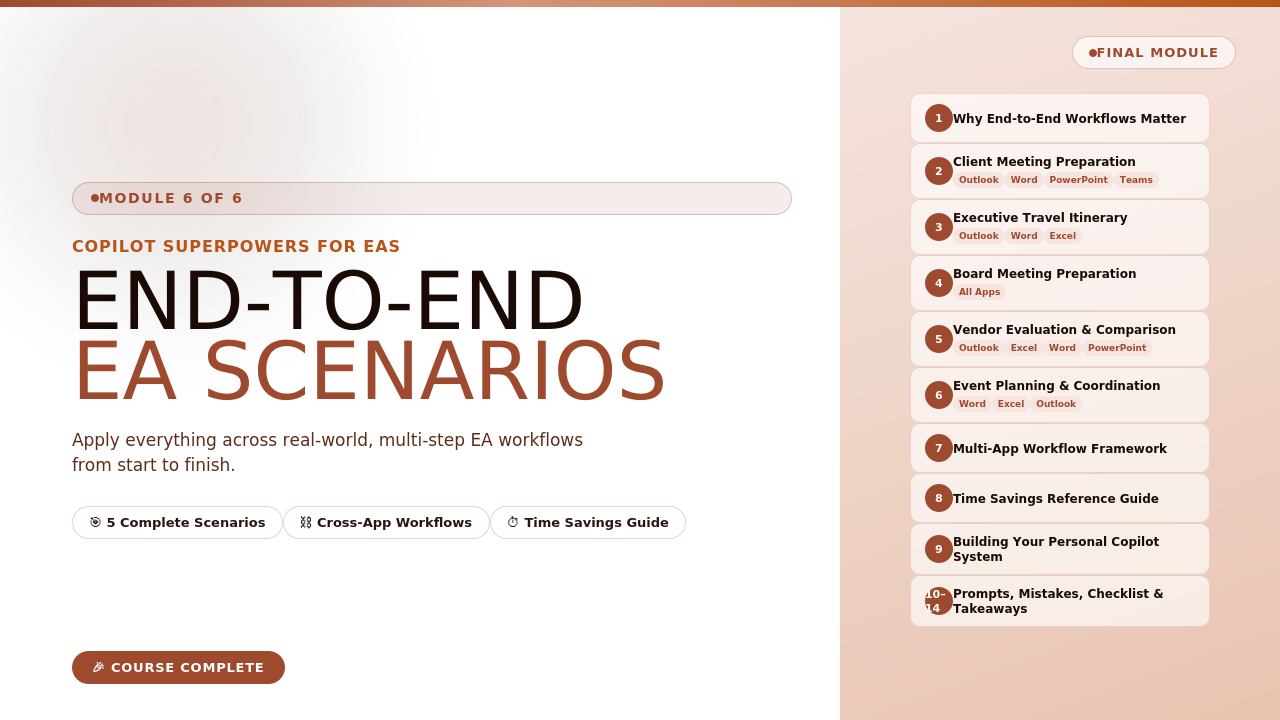
EA-Specific Scenarios

See how Copilot fits into real EA workflows.
You will learn:

• Preparing executive briefings
• Managing schedules
• Handling communications efficiently

#copilottraining | #microsoft365

After Completing the Course

Use Copilot confidently in your daily work
Write better prompts to generate useful results
Apply Copilot across common EA tasks